
How to read faster while checking your comprehension
Build a repeatable reading practice with short passages, adjustable RSVP speed and comprehension checks in FocalRead.
Quick answer
Start at a comfortable pace, read a short passage and summarize it before increasing the speed. Track understanding as well as words per minute. A higher playback setting is not proof that you retained more information.
Step by step
Choose a short, suitable passage
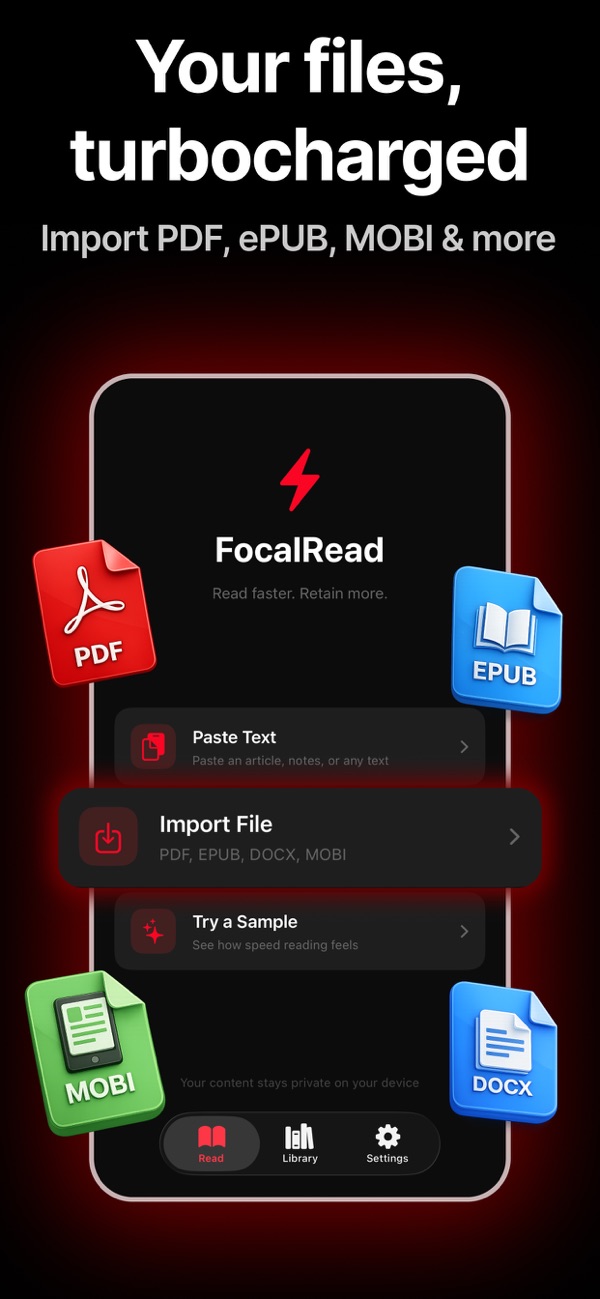
Use a clear text passage or a supported document in FocalRead. It supports PDF, EPUB, MOBI, TXT, DOCX and non-DRM AZW3. Check that the imported text appears in the right order; tables, diagrams and scanned pages may require a different reading approach.
Find a comfortable starting speed
Use RSVP, which presents words in a fixed position, at a pace where you can follow the meaning. The app lets you adjust words per minute. Start with your own comfortable setting rather than copying someone else’s target.
Pause and check understanding
After a short section, look away and state the main point, two supporting details and anything you could not explain. Revisit the original text when a fact, equation or argument needs closer reading.
Increase gradually and compare like with like
If understanding remains good across several passages, try a small speed increase. Keep the language, difficulty and passage length similar when comparing sessions. Reduce the pace when the material becomes unfamiliar or dense.
Example: a ten-minute practice session
Spend two minutes choosing and previewing a short article, five minutes reading it, two minutes recalling the main points and one minute noting the speed and what you missed. This is a practice example, not a guaranteed improvement schedule.
Before you use the result
Reading speed varies with the text and the reader. RSVP is one reading mode; it does not replace close reading, note-taking or reviewing diagrams. Do not assume that faster playback preserves comprehension automatically.
Explore the app