One word in one place
RSVP presents words in sequence. Try it with a short passage and pause whenever you need to reread.
Available for iPhone and Android
Choose a comfortable pace for PDFs, ePUBs and articles. Try the timed reading exercise below, check what you understood and adjust your reading speed to the material.


Start the timer, read the passage once at a comfortable pace, then select Finished reading. Answer three questions without returning to the passage. This is a practice exercise, not a standardized assessment.
Use speed and comprehension together. This short passage cannot establish your general reading ability. Repeating a familiar passage can raise the score through memory; compare unfamiliar texts of similar difficulty and language.
Measure your reading speed in words per minute, compare it with common reading ranges, then train with RSVP speed reading.
Enter how many words you read and the time it took. Your result gives you a simple WPM baseline before you practice with FocalRead.
| Reader goal | Typical WPM | Best next step |
|---|---|---|
| Careful reading | 150-200 | Use for dense PDFs, technical material, or notes that require high comprehension. |
| Average adult reading speed | 200-250 | A common baseline for everyday articles, newsletters, and non-fiction. |
| Fast reading practice | 300-500 | Train with RSVP, reduce eye movement, and raise speed only while comprehension holds. |
| Skimming and review | 500+ | Best for previews, familiar topics, and finding the sections worth reading deeply. |
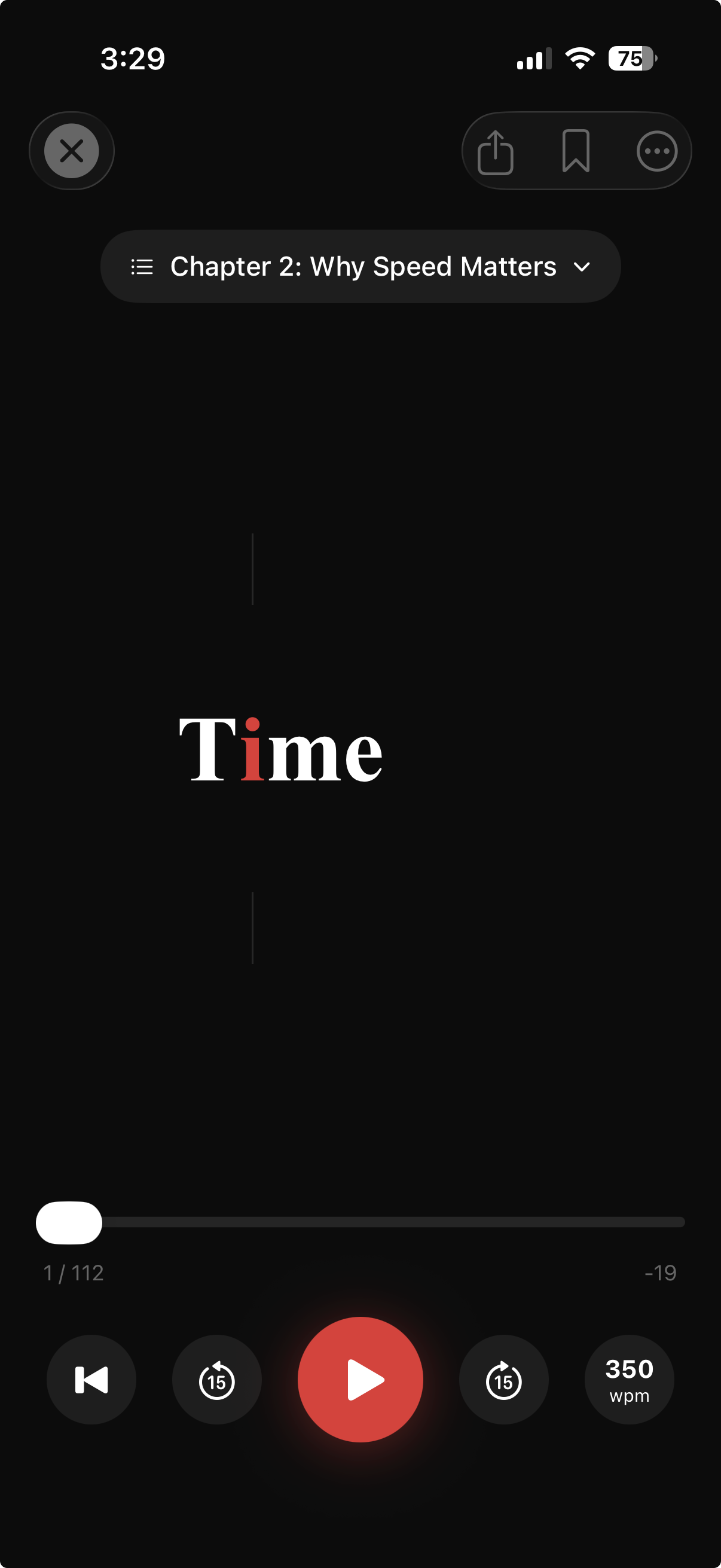
Experience RSVP speed reading. The red highlight guides your eyes to the optimal recognition point.
Speed is only useful when you understand and retain what you read.
RSVP presents words in sequence. Try it with a short passage and pause whenever you need to reread.
Start at a comfortable speed. Increase it only when you can explain the main ideas without looking back.
Dense arguments, diagrams and unfamiliar words may need ordinary page reading. Switch methods to suit the material.
Find a practical starting point for measuring your reading pace, importing documents and using RSVP.
A good reading speed depends on the material. Many readers start around 200-250 WPM for everyday text, then slow down for technical reading or increase speed for review and skimming.
Start with a baseline test, choose a comfortable WPM, and increase speed gradually. FocalRead keeps each word in one place so your attention stays on meaning instead of page scanning.
RSVP stands for Rapid Serial Visual Presentation. It displays words one at a time, which can reduce eye movement and make it easier to stay locked into the text.
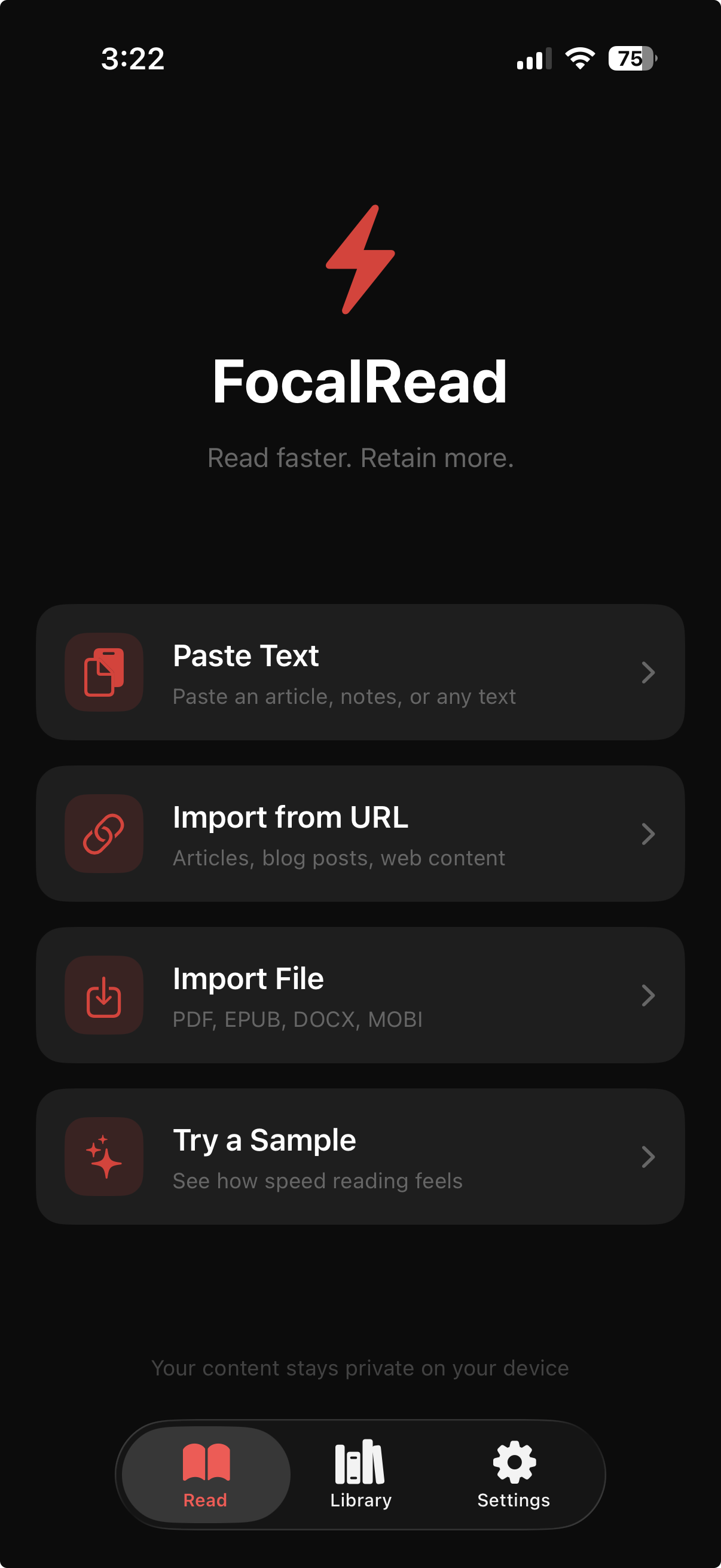
Import a PDF, ePUB, article, X post, or Reddit thread, set your WPM, read with ORP highlighting, and save clips or bookmarks for the ideas you want to revisit.
Build a repeatable reading practice with short passages, adjustable RSVP speed and comprehension checks in FocalRead.
Try rapid serial visual presentation: one word at a time, adjustable pace and regular checks for understanding.
Prepare selectable PDF text, inspect reading order and choose a pace that preserves understanding in FocalRead.
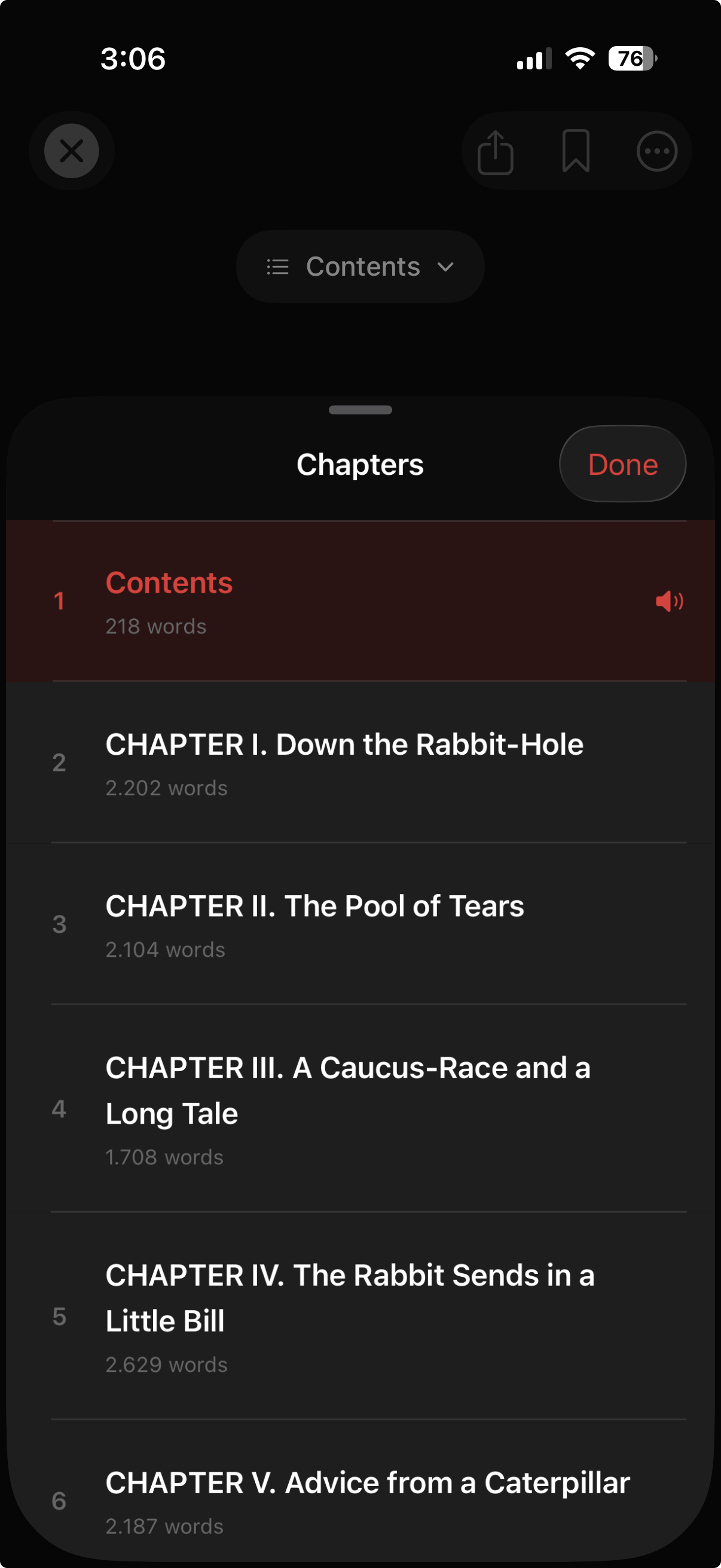
Import a supported ePUB, check chapters and use bookmarks and a comfortable pace in FocalRead.
Compare reading time and recall using unfamiliar passages, a consistent setup and realistic goals.
Compare import support, pacing, review controls and comprehension before choosing an RSVP reading app.
A speed reader app built for PDFs, ePUBs, web articles, reading speed practice, and distraction-free focus
PDF, ePUB, DOCX, and more. Drag and drop your files or import directly from the web.
Share articles from Safari, X, Reddit, or any app directly into FocalRead.
From 150 to 1000+ words per minute. Start slow and increase as you improve.
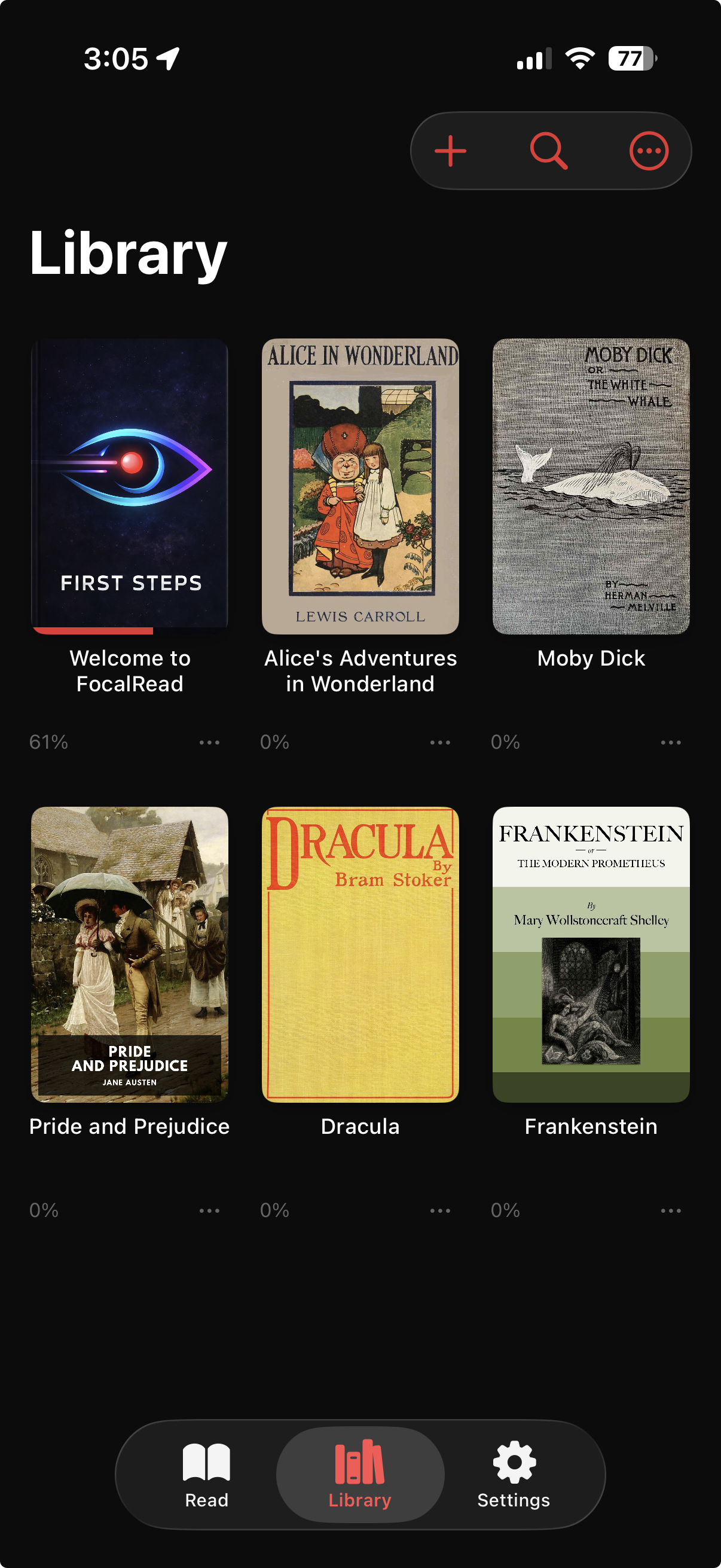
Your progress is always saved. Resume any book or article where you stopped.
See one word at a time in the same position. Pause whenever you need context or a second look.
Save your favorite passages and create clips to remember key parts.
Designed for focused reading on iPhone and iPad
Simple habits that support faster reading, better attention, and stronger retention.
Three steps to a reading session you can review
Clear answers for people comparing reading speed tests, RSVP readers, and speed reading apps.
For everyday reading, many adults are around 200-250 words per minute. Dense academic or technical material can be slower, while trained review or skimming can be faster.
Read a passage, count the words, record the time, and divide words by minutes. FocalRead includes a WPM calculator on this page so you can set a baseline before practicing.
It is a speed reading app for iPhone and iPad, and this website includes a free reading speed test calculator to help you measure your current WPM.
RSVP, or Rapid Serial Visual Presentation, displays each word in the same position so your eyes do not need to scan across the page. This can make reading feel faster and more focused.
You can import PDFs, ePUBs, DOCX files, pasted text, web articles, X posts, Reddit threads, and other saved reading material.
Speed alone is not the goal. FocalRead helps you raise WPM gradually while keeping a focused reading flow, so you can choose the right pace for each type of content.
Yes. Download FocalRead for Android on Google Play, or choose the App Store for iPhone and iPad. Features and device requirements can differ between platforms.
Available for iPhone and Android
Yes. Download FocalRead for Android on Google Play, or choose the App Store for iPhone and iPad. Features and device requirements can differ between platforms.